
CRM guides
Activities
The unified activity log: calls, emails, meetings, notes and system changes across contacts, companies and deals.
Watch: Activities in 90 seconds
What it does
Activities is the CRM's memory — a paginated timeline of everything that happened: logged calls and meetings, synced emails, notes, tasks, and automatic entries whenever a deal changes stage or a contact changes status.
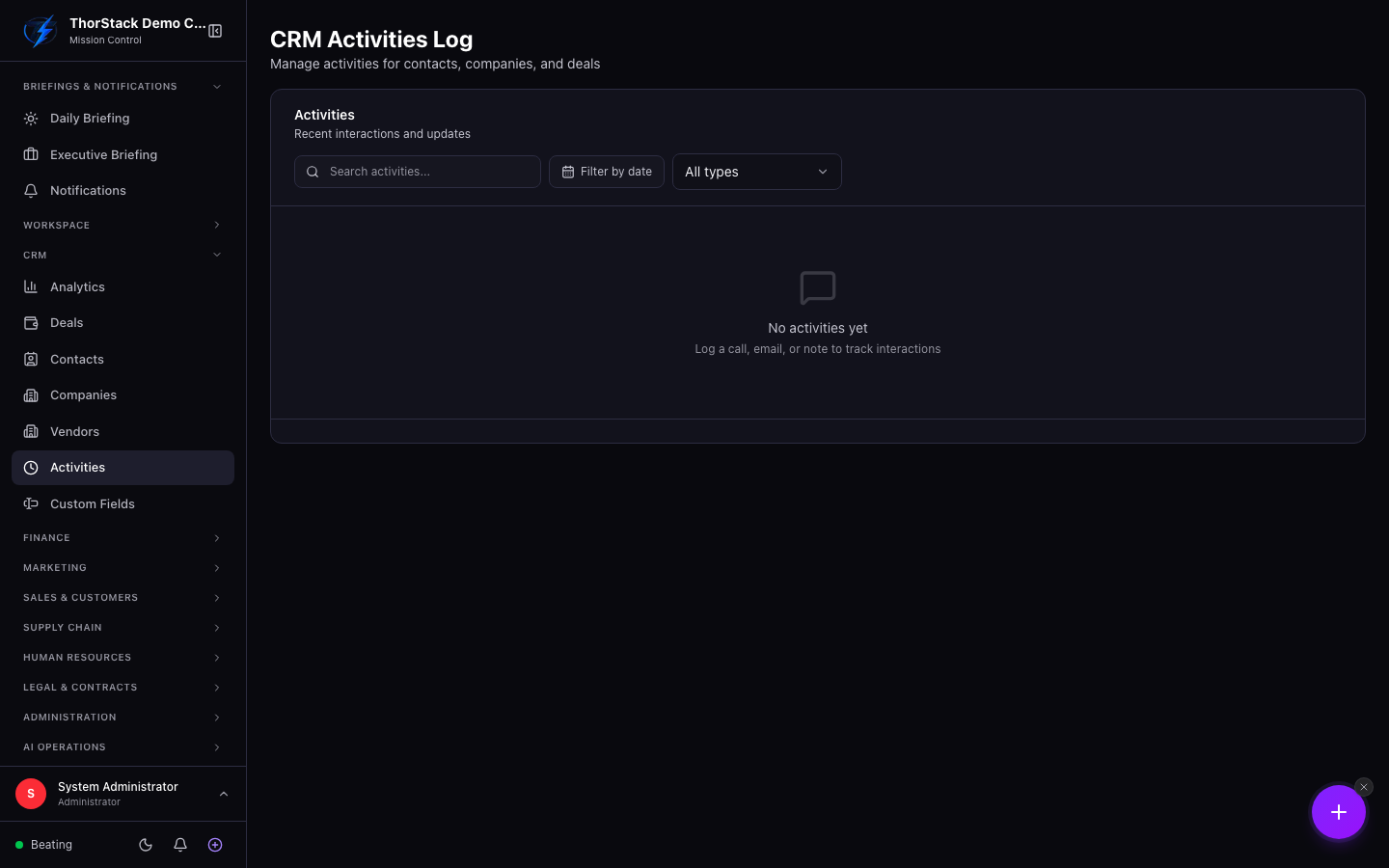 The activity log
Key concepts
| Type | Where it comes from |
|---|---|
| Call / Meeting / Note / Task | Logged manually, with outcome and duration for calls, priority and assignee for tasks. |
| Auto-synced from your connected inbox — read-only. | |
| Stage / status change | Auto-recorded system entries — the audit trail writes itself. |
Everyday moves
- Log Activity — pick the type, write the description (with @mentions that notify teammates), and link it to a contact, deal or company — or all three.
- Filter by type, date range or free-text search; click any record's activity tab to see the same log scoped to that record.
Settings & permissions
Logging requires CRM write access. System entries and synced emails can't be edited or deleted — that's what makes the log trustworthy.
Related
- CRM Analytics — the 30-day activity summary aggregates this log.
- Emails — the source of synced email activities.