
Workflow Automations
A visual builder that connects a dozen triggers to twenty-plus actions — emails, tags, AI steps, webhooks — with branching and data passing.
Watch: Workflow Automations in 90 seconds
What it does
Automations run your busywork. A workflow starts from a trigger (a form submit, a new support ticket, a deal changing stage, a booking coming in…) and walks a vertical chain of steps: send an email, wait a day, branch on a condition, tag the contact, call a webhook, or hand a sub-task to an AI agent.
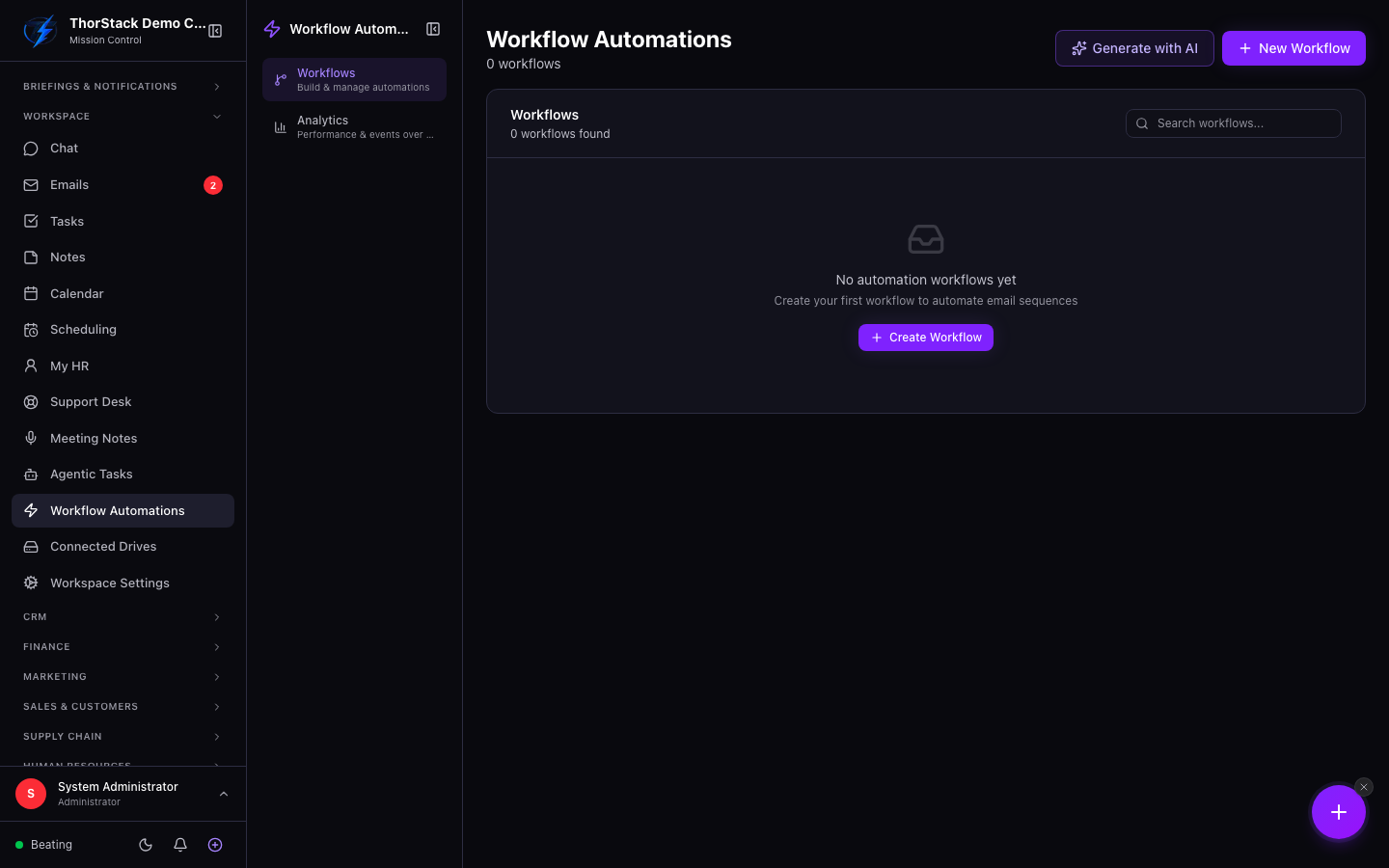 The workflow builder
Key concepts
| Piece | What it is |
|---|---|
| Trigger | One of 12+ events, each with its own filters (e.g. only urgent support tickets). |
| Steps | 20+ actions grouped: Messaging, Scheduling, Flow, Contact & CRM, Support, Data & AI, Notify & Integrate. |
| Condition | If/else branching on any field. |
| References | Insert {{trigger.email}} or {{steps.<id>.field}} into any text field to pass data between steps. |
| Lifecycle | Draft → Active → Paused. Active workflows are read-only; pause to edit. |
Build one
- Go to Automations and click the new-workflow button. Name it and pick a trigger.
- Configure the trigger's filters, then Add Step and choose from the grouped action menu.
- Use the reference menu in any text field to pull in data from the trigger or earlier steps — chips show friendly labels.
- Save as draft, Test it from the actions menu, then activate.
AI inside workflows
Steps can generate content ("Generate with AI" drafts email or SMS copy from a prompt) or delegate work (the AI agent step hands an instruction to one of your agents mid-flow). The fetch_source step pulls content from the web, a connected drive, an email or a note for later steps to use.
Settings & permissions
Workflow editing requires marketing write access. SMS and WhatsApp steps can be gated on a consent field so you never message someone who hasn't opted in. The analytics drawer on each workflow shows enrollments and recent runs.
Related
- Agentic Tasks — for scheduled or one-off AI jobs that aren't event-triggered.
- Support Desk — the
support_tickettrigger and auto-assignment action pair with it.