
Finance guides
Finance Custom Fields
Add your own fields to invoices, quotes and expenses — they flow through forms, detail views and exports.
Watch: Finance Custom Fields in 90 seconds
What it does
The same custom-field system as the CRM, scoped to finance objects: extend invoices, quotes and expenses with the fields your business needs — a PO number, a project code, a cost centre — and they appear in create forms, detail drawers and exports automatically.
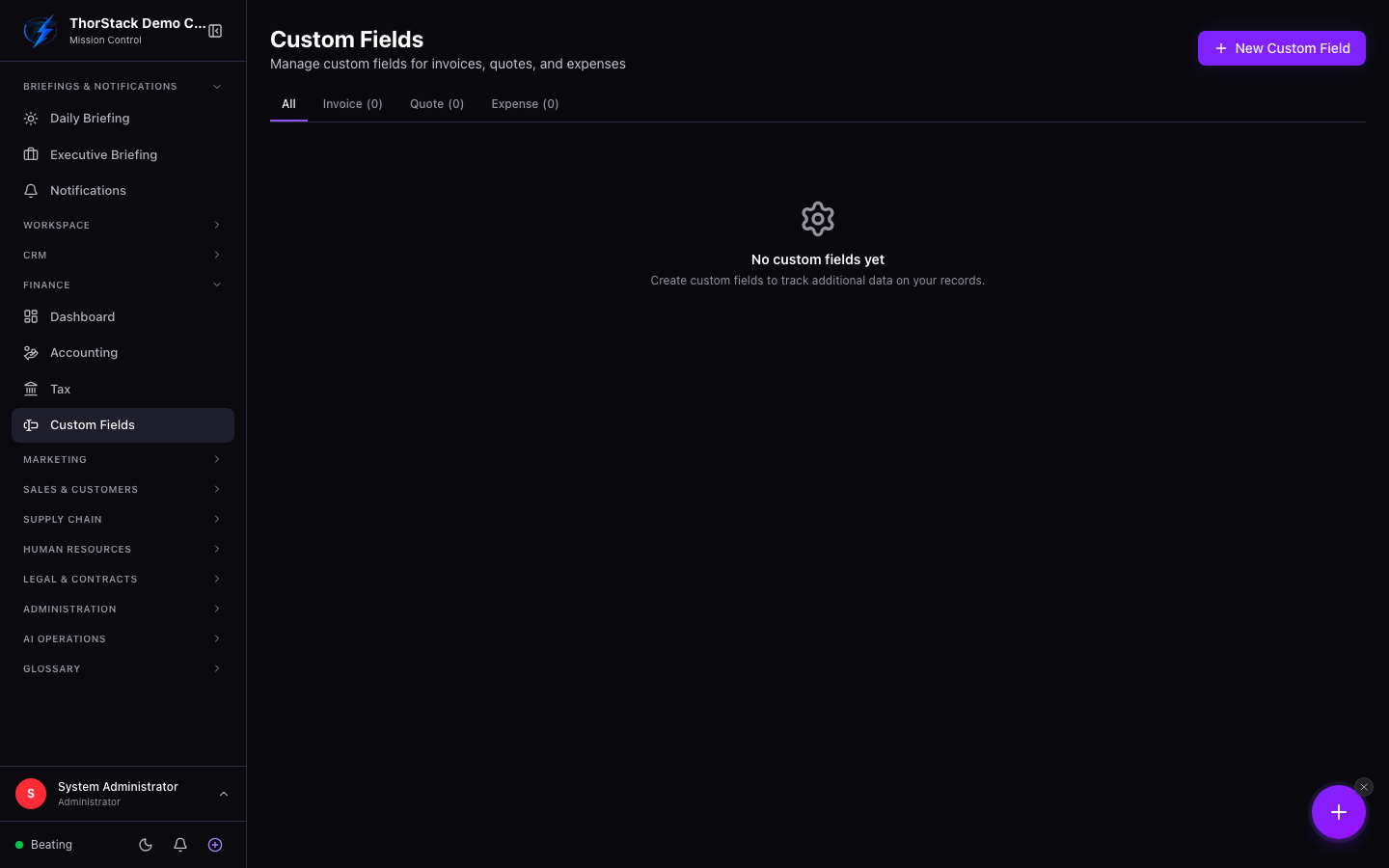 The finance custom fields manager
How to use it
- Pick the object tab — Invoice, Quote or Expense.
- Add Field with a name, type (text, number, select, date, checkbox, textarea…), required flag and default value.
- Reorder fields to control how they appear in forms.
Fields with stored data should be disabled rather than deleted — values are retained and the field can come back later.
Settings & permissions
Org-level configuration following your finance permissions. Values live in each record's custom-fields map, so they survive exports and API access.
Related
- CRM Custom Fields — the same pattern for contacts, companies, deals and vendors.
- Accounting — where the fields show up day to day.