
CRM Custom Fields
Thirteen field types across contacts, companies, deals and vendors — shape the CRM around how you actually sell.
Watch: CRM Custom Fields in 90 seconds
What it does
Custom Fields lets admins extend the CRM schema without a developer: add fields to contacts, companies, deals or vendors, and they appear everywhere — create forms, detail sidebars, table columns, imports and exports.
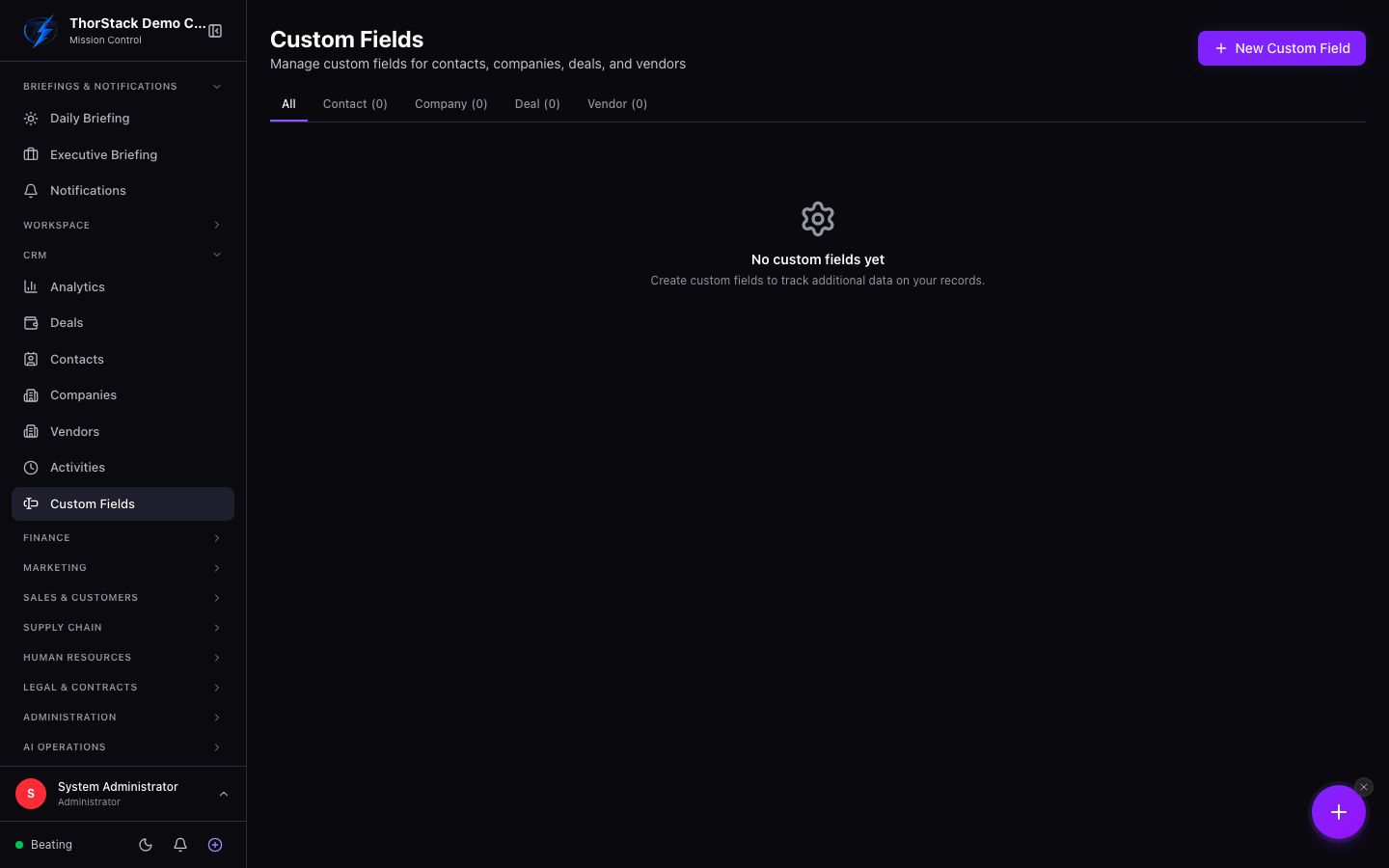 The custom fields manager
Field types
Text, number, date, datetime, select, multi-select, URL, email, phone, currency (uses your org currency), boolean, rating (0–5) and user (team-member picker). Selects support colour-tagged options; text fields support regex validation; numbers support min/max bounds.
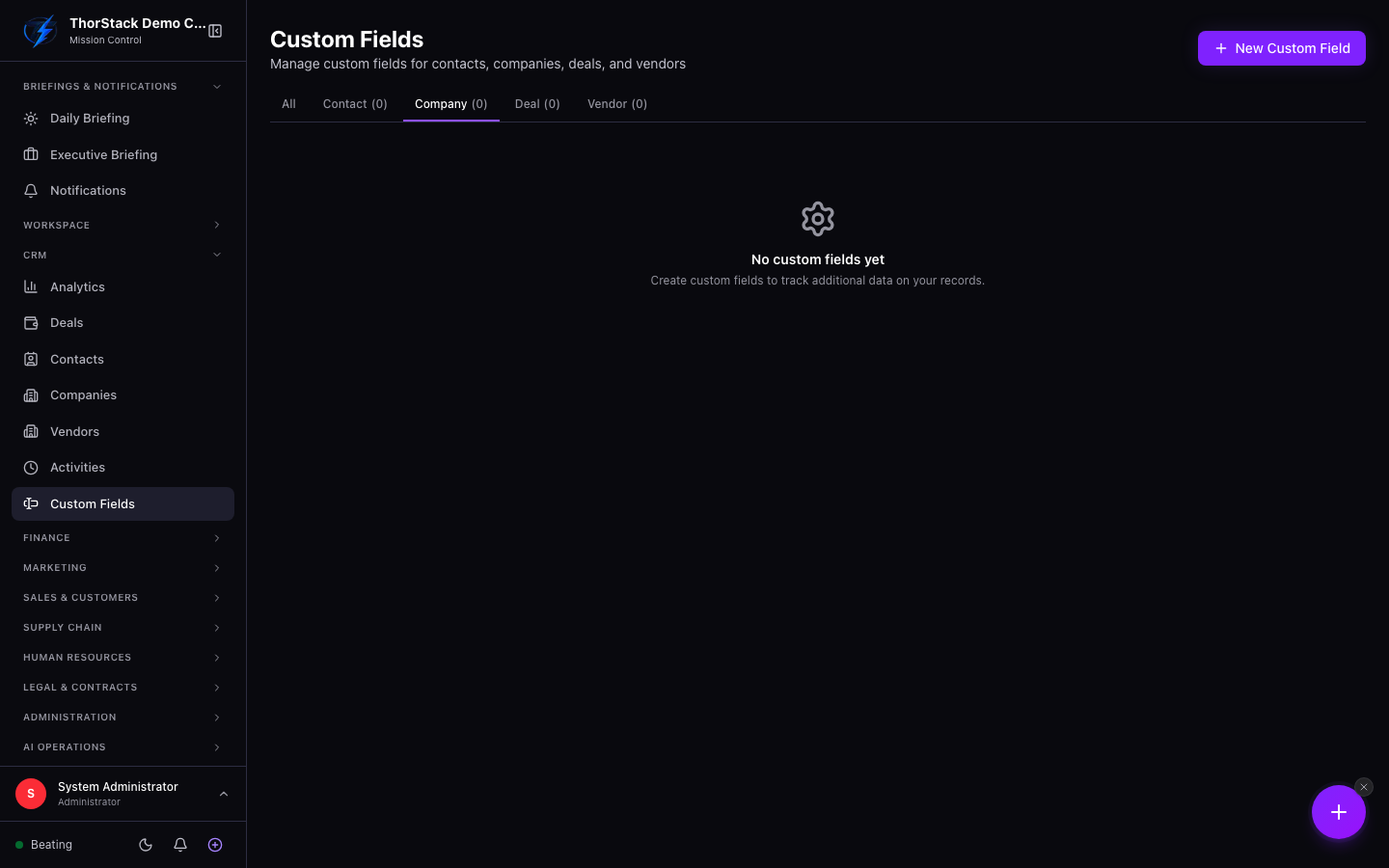 Per-object schemas
Create a field
- Pick the object tab — Contact, Company, Deal or Vendor.
- Add Field: name, type, and the type's options (choices and colours for selects, validation for text, bounds for numbers).
- Set required, default value, display group and order; mark it filterable/sortable to expose it in table views.
Disable, don't delete
Fields holding data can't be deleted — disable them instead. The field disappears from forms but every stored value is retained, so nothing is lost if you re-enable later.
Settings & permissions
This page needs CRM manage permission (module:crm:m) — it's an admin surface.
Related
- Finance Custom Fields — the same pattern for invoices, quotes and expenses.