
Meeting Notes
Upload or live-capture meetings from Meet, Zoom and Teams — get transcripts, summaries, action items and sentiment automatically.
Watch: Meeting Notes in 90 seconds
What it does
Meeting Notes turns recordings into structured knowledge. Upload an audio or video file — or use Live Capture during a Google Meet, Zoom or Teams call — and the AI produces a transcript, summary, action items, sentiment analysis and key insights.
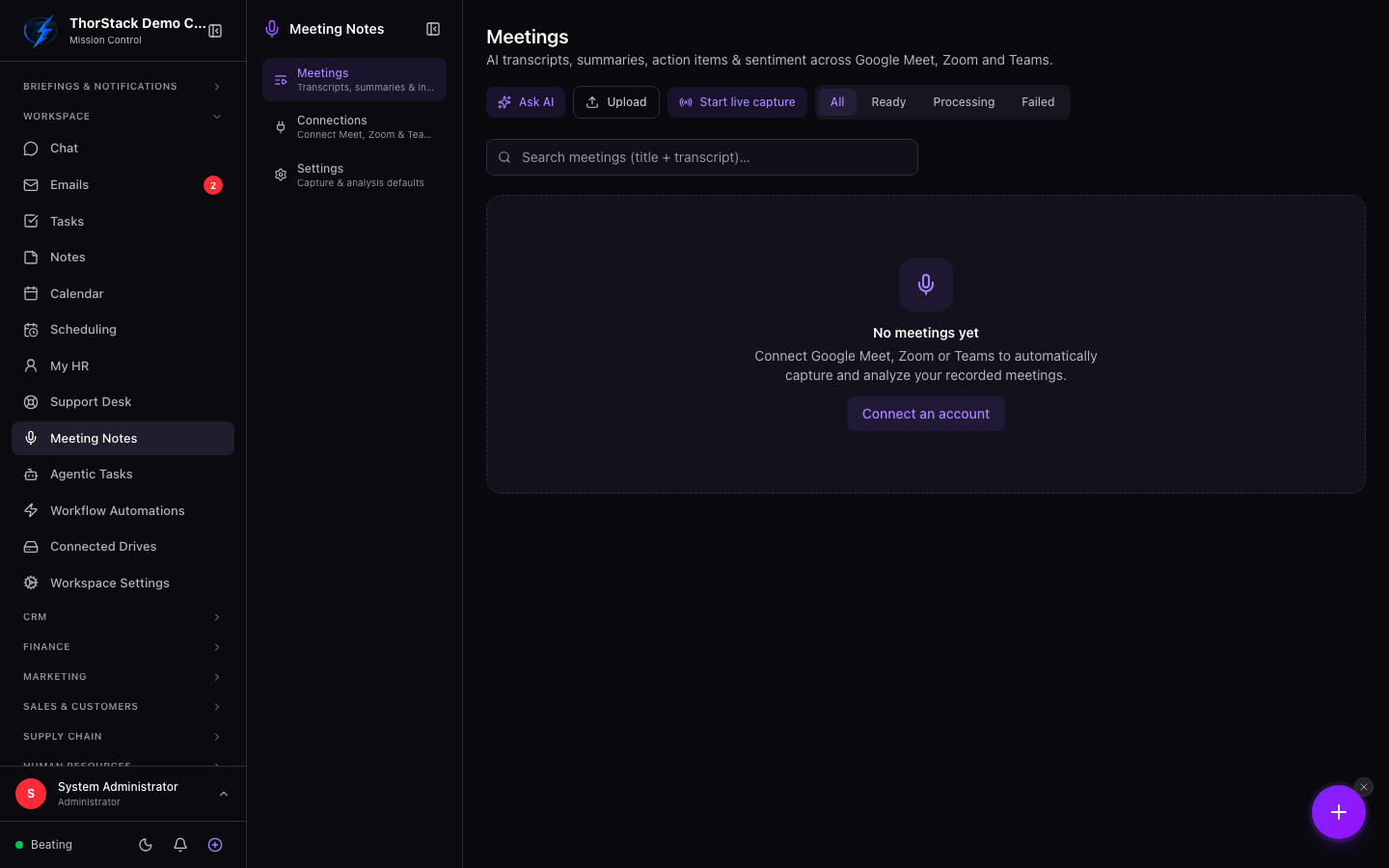 The meetings list
Key concepts
- Status pills — every meeting is Processing, Ready or Failed; the list polls automatically so you see transcription finish in near-real-time.
- Tabs per meeting — Transcript, Summary, Action Items, Sentiment, Insights and Captures.
- Tags & folders — meetings are taggable and searchable across titles and transcript text.
Two ways in
- Upload — click Upload, pick a recording, and watch the status move from "transcribing…" to Ready.
- Live Capture — start real-time transcription from a supported meeting platform without recording a file first (connect the platform account when prompted).
Ask the corpus
The Ask AI drawer answers free-text questions across your whole meeting history — "what did we promise Meridian about rollout timing?" — instead of you re-reading transcripts.
Settings & permissions
Uploading and capturing require write access to the Meeting Notes module; reading is open to authenticated teammates. Platform accounts connect under Workspace Connections.
Related
- Projects & Tasks — convert extracted action items into tracked tasks.
- Workflow automations — react when meeting-generated tasks complete.