
Marketing guides
Media Library
One asset library for images and video — drag-and-drop uploads plus imports from Google Drive, OneDrive and Dropbox.
Watch: Media Library in 90 seconds
What it does
Media Library is where marketing assets live: a responsive grid of images and videos with search, full-screen preview, and storage stats — feeding the social composer and email campaigns so nothing is uploaded twice.
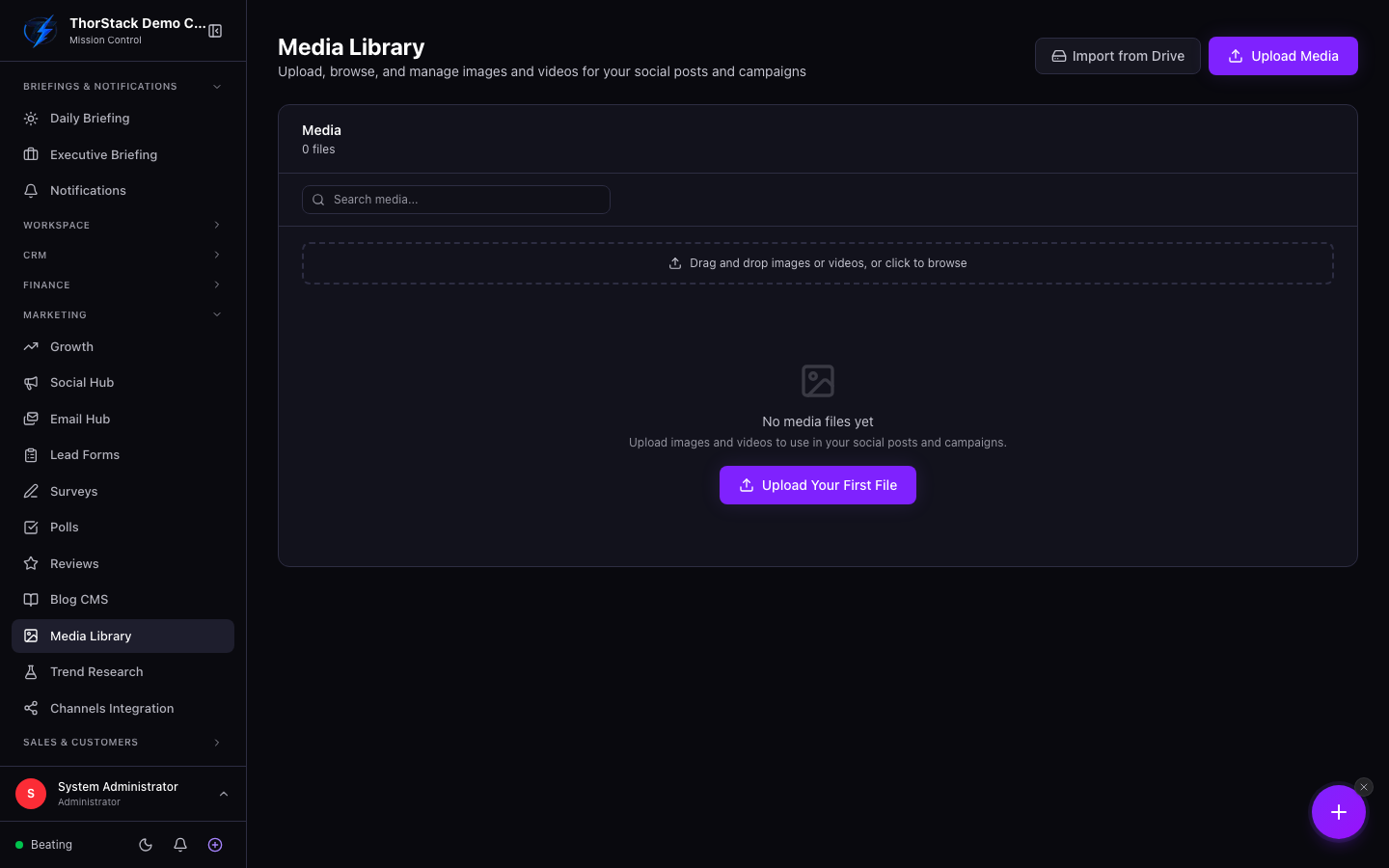 The media grid
Getting assets in
- Drag and drop (or click) onto the upload zone — multiple files at once, with inline progress.
- Import from Drive — browse Google Drive, OneDrive, Dropbox or the local drive with folder navigation and import per file.
Working with assets
Click any tile for a full-screen preview with arrow-key navigation and a download link. Deleting warns you if the asset might be referenced by posts or campaigns.
Settings & permissions
Viewing follows social module read access; upload and delete follow write/delete permissions. Drive imports need the provider connected in Workspace Settings.
Related
- Social Media Hub — the post composer picks from this library.
- Connected Drives — the same connections, file-manager view.