
Marketing guides
Email Lists
Static and dynamic recipient lists synced with the CRM — each with its own webhook for external signup forms.
Watch: Email Lists in 90 seconds
What it does
Email Lists manages who you send to. Lists are static (you add members) or dynamic (membership follows criteria), members come straight from your CRM contacts, and every list exposes a webhook so external forms can feed it directly.
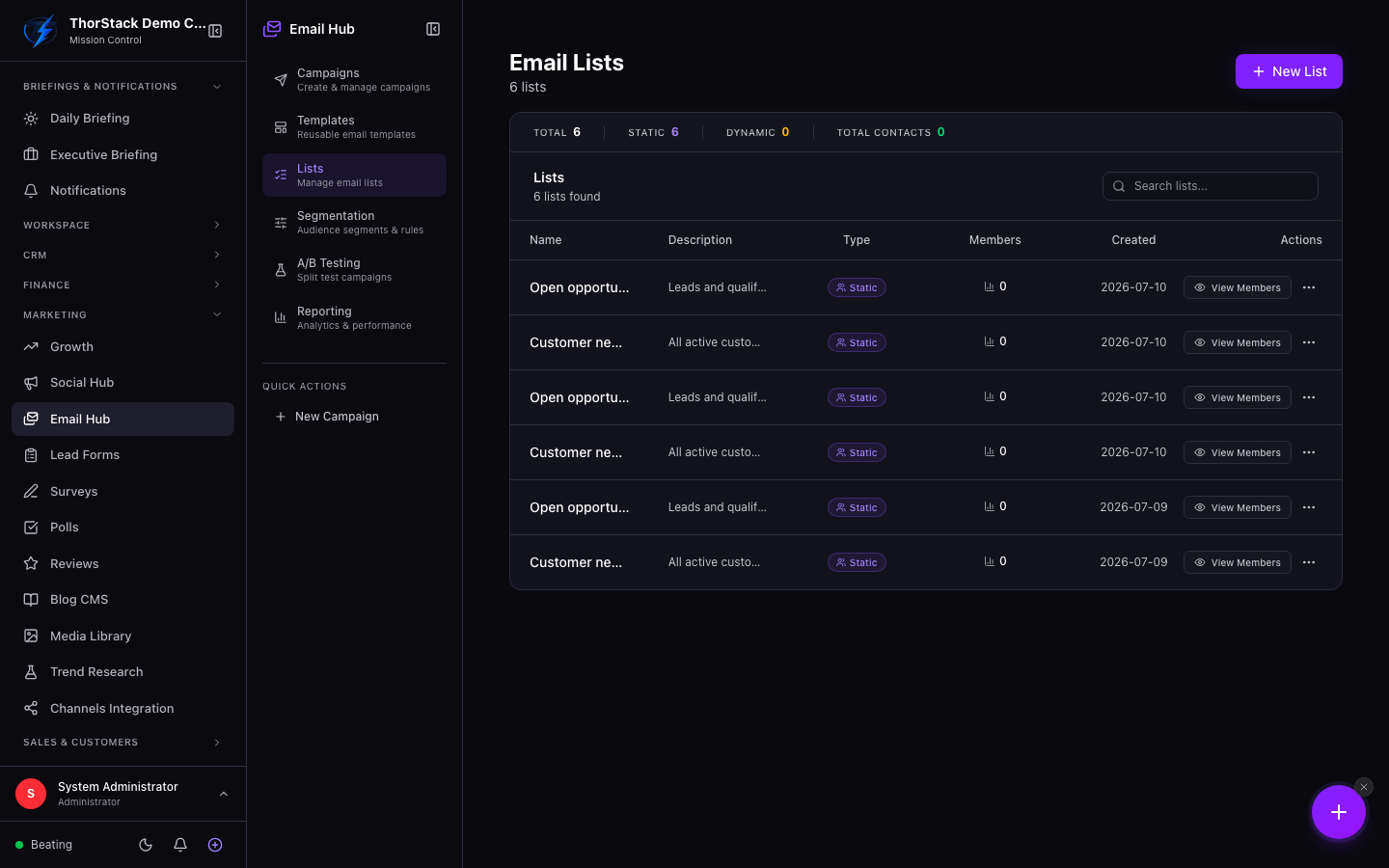 The lists table
Everyday moves
- New List — name and description; that's it.
- Open a list and Add Contacts — search your CRM by name, email or company and tick the people to add.
- Remove members from the list without touching the CRM record; deleting a whole list also leaves contacts intact.
The webhook
Each list's Webhook drawer gives you a URL, a bearer token (rotatable), a sample payload and ready-to-paste curl/JavaScript snippets — point a landing-page form at it and signups land in the list automatically.
Settings & permissions
Gated by marketing permissions; webhook tokens rotate with one click if one leaks.
Related
- Email Campaigns — lists are the targeting unit.
- Contacts — the member picker searches your CRM.