
Marketing guides
Email Templates
Reusable rich-text templates with inline variables, categories, shared/private visibility and usage tracking.
Watch: Email Templates in 90 seconds
What it does
Email Templates is the library your campaigns draw from: rich-text templates organised by category (Sales, Follow-up, Onboarding, Outreach, Custom), marked shared or private, with a usage count showing which ones actually get used.
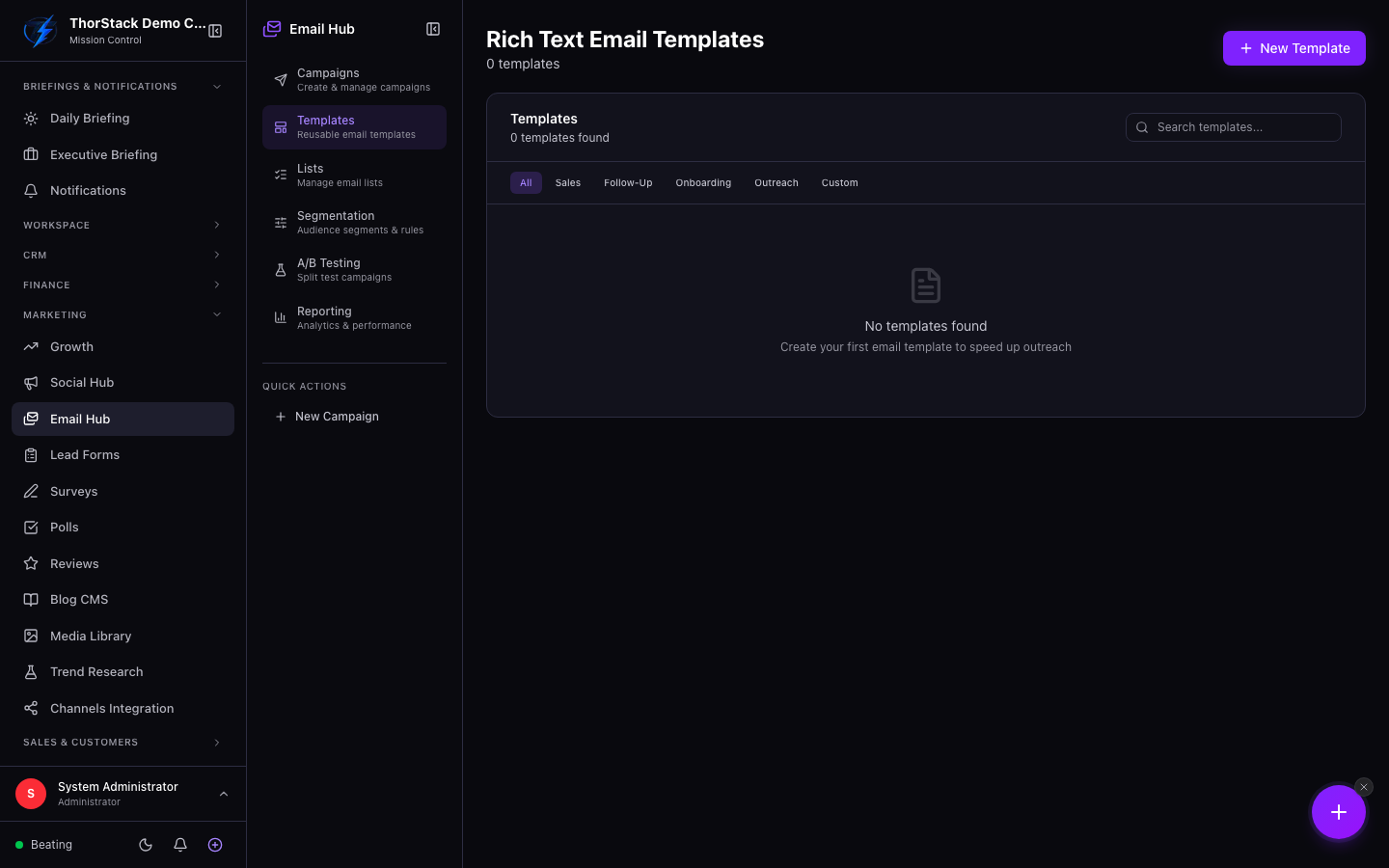 The templates library
Create a template
- New Template — name, category and visibility.
- Write the subject — type
{anywhere to open the variable picker ({first_name}etc.); variables show as chips with optional fallback values. - Write the body in the rich-text editor and save.
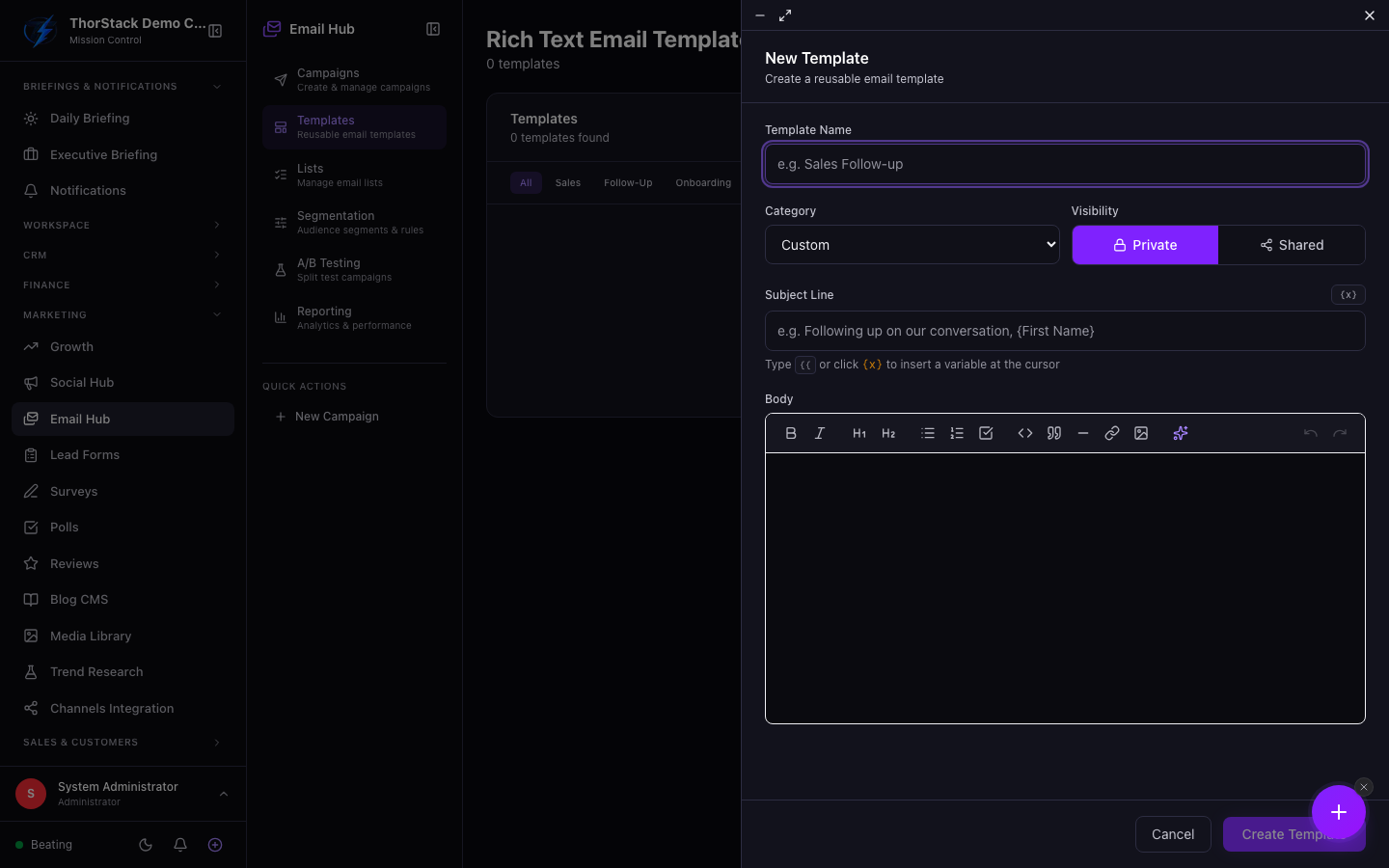 The template editor
Worth knowing
- Preview renders the real email HTML in a sandbox, with the variable list and usage count alongside.
- Duplicate from the preview to iterate on a working template without touching the original.
- This page manages rich-text templates; visual-builder and HTML templates are managed from the campaign editor itself.
Related
- Email Campaigns — the template picker filters by the campaign's content mode.