
Workspace guides
Agentic Tasks
Delegate one-time or recurring jobs to AI agents — with natural-language scheduling, @mention validation and full execution reports.
Watch: Agentic Tasks in 90 seconds
What it does
Agentic Tasks is where you hand whole jobs to an AI agent on a schedule: "send the compliance summary every weekday at 9am", "check the pipeline for stale deals each Monday". Each task pairs an instruction with an agent, runs on your schedule, and files a full execution report.
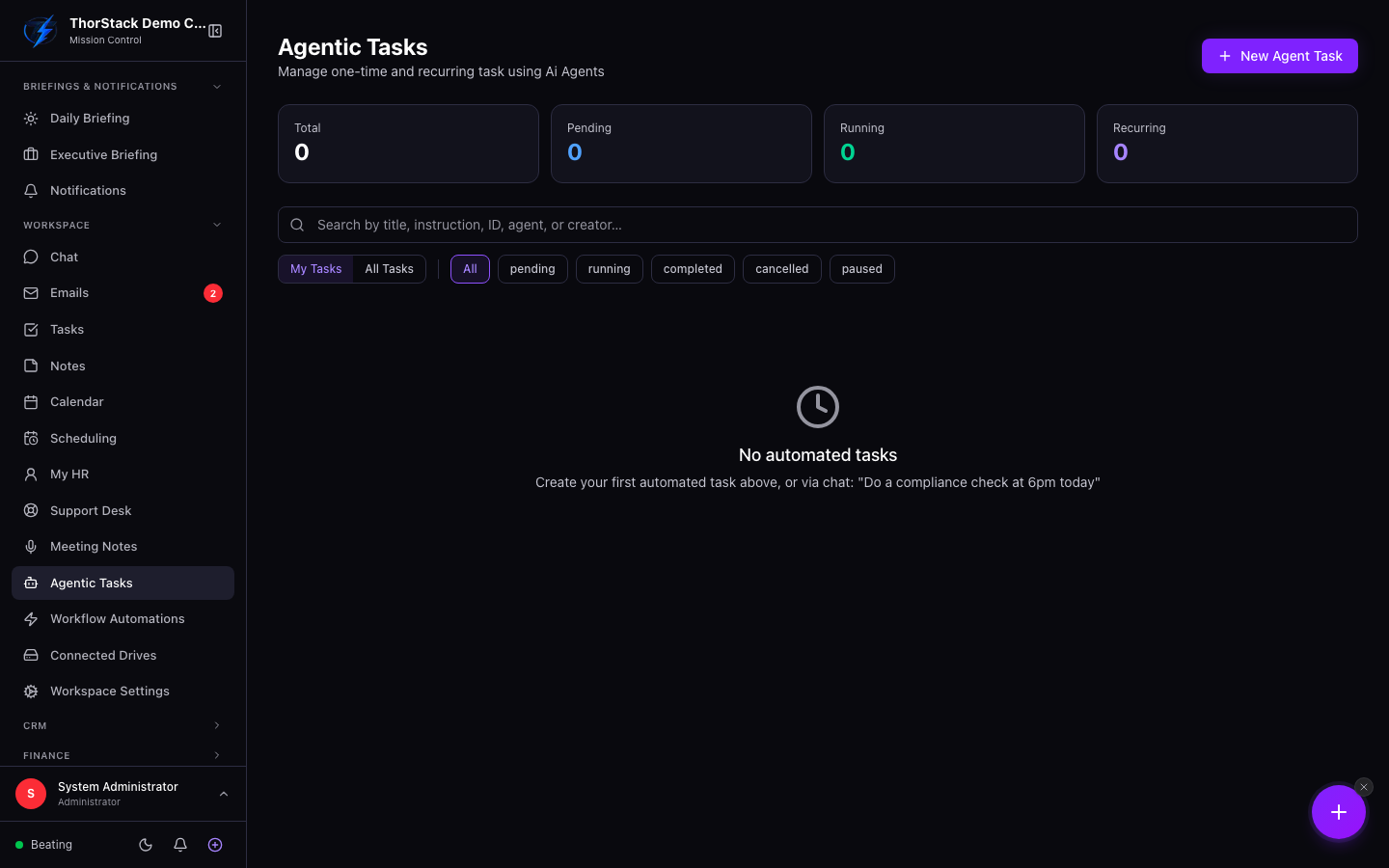 The agentic tasks dashboard
Key concepts
- Agent — every task is assigned to one agent, which runs it with that agent's tools (CRM, email, Slack…).
- Smart Schedule — the AI reads your instruction and proposes the schedule; "daily report at 9am" becomes the right recurrence automatically.
- @mentions — tag teammates or CRM records in the instruction; validation runs at create-time and blocks missing data (like an SMS action for a contact with no phone number).
- Execution report — after each run: outcome, summary, tools called, model used and timings. Failures are categorised (credits, rate limit, auth…) with actionable hints.
Create a task
- Click New Agent Task. Title, agent and instruction are required.
- Toggle one-time or recurring. The recurrence builder offers presets (hourly, daily, weekly — defaulting to Mon–Fri 9am — monthly, or raw cron) with a live plain-English summary.
- Optionally set a notify-before window for an in-app + email reminder ahead of each run.
- Pause, Resume or Cancel any task from its card; expand a card for history and reports.
Settings & permissions
Everyone manages their own tasks; admins get a My Tasks / All Tasks toggle. Recurring schedules run in your organisation's timezone (shown in the builder).
Related
- Workflow automations — event-triggered chains, vs. Agentic Tasks' clock-driven jobs.
- AI workforce — the agents these tasks run on.